
Saitek Aviator Flight Simulator Joystick User Manual

User manual for flight simulator joystick, including installation and operation methods.
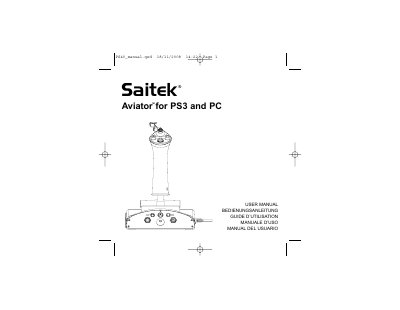

Saitek Aviator Flight Simulator Joystick User Manual - cover page
Brand
Saitek
Category
Other Computer Accessories
Document type
User Manual
Language
English
Pages
13
File format
PDF
File size
505 KB
Published
16 October, 2023
Updated
16 October, 2023
MD5 checksum
75946B9745824851D2646E392100B749

About this manual

This user manual covers the setup and operation of the Saitek Aviator joystick for both PlayStation 3 and PC platforms. It details how to attach the wrist rest and install the necessary software drivers. The document explains how to switch between two specific game modes (M1 and M2) optimized for different flight simulation titles.

What's inside

  • Attaching the wrist rest
  • PC installation
  • PS3 installation
  • Selecting modes
  • Manually configuring for other games
  • Technical Support
  • Conditions of Warranty
  • FCC Compliance

Frequently asked questions

Which mode should PC users select for flight simulation games?

PC users should select mode M2 for games like Microsoft Flight Simulator 9 and 10.

Which mode is configured for Tom Clancy: HAWX?

Mode M1 is configured to play Tom Clancy: HAWX and future flight simulation games.

How do I switch between the joystick modes?

You can switch between modes by sliding the switch on the right side of the joystick base to either mode M1 or M2.

Download PDF (505 KB)

More Saitek Manuals


View all Saitek manuals →