
This is a wireless notebook mouse user manual, which introduces mouse power on/off, pairing and other functions.
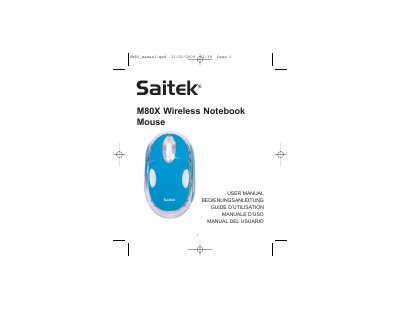
This manual provides instructions for the Saitek M80X Wireless Notebook Mouse. It details how to power the device on and off, including battery replacement and low-battery indicators. The guide explains the automatic pairing process between the mouse and its wireless receiver, as well as how to re-establish the connection if it is lost.
| System Compatibility | Windows XP/XP64/Vista/Mac OS X |
|---|---|
| Battery Type | 2 AAA rechargeable batteries |
The mouse turns on automatically when new batteries are inserted. To turn it off, press and hold the power button on the underside for 3-5 seconds.
You need to press and hold the power button on the underside for 3-5 seconds.
The whole process should take less than 10 seconds.
The warranty period is 2 years from the date of purchase with proof submitted.