
This manual mainly introduces the basic operation methods and precautions of Saitek 3D 210 stereo speaker system, and provides fault troubleshooting instructions.
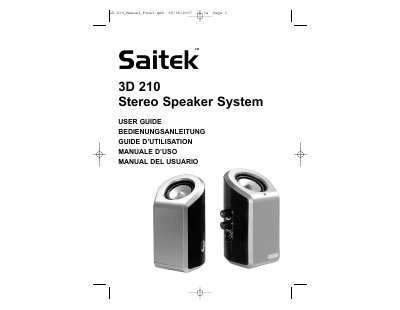
The Saitek 3D 210 Stereo Speaker System features two speaker units equipped with ASIS (Advanced Stereo Imaging System) and a bass contour control. It is designed to provide enhanced bass and clear treble from any analog music source, such as a PC, iPod, MP3 player, or PSP. The system operates using a 9V DC transformer and a 3.5mm jackplug cable for audio input.
| Power Input | 9V DC transformer |
|---|---|
| Audio Input | 3.5mm jackplug |
| Features | ASIS and bass contour control |
| Warranty Period | 2 years |
The device must not cause harmful interference and must accept any interference received, including interference that may cause undesired operation.
Turn the volume control clockwise until it clicks and the red light illuminates.
Use the bass contour control; turn it clockwise to increase bass boost and anti-clockwise to reduce it.