
This document is the user manual for Saitek Obsidian Wireless Mouse
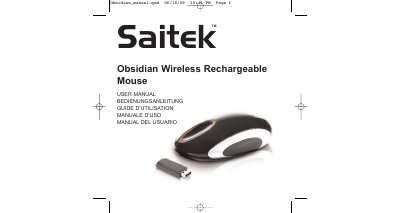
The Saitek Obsidian Wireless Rechargeable Mouse features a power management system with interchangeable rechargeable batteries to prevent downtime. It includes an innovative touch-sensitive scroll area that replaces a traditional mechanical wheel, along with additional front and back buttons for web navigation.
To use the mouse, insert fully charged batteries into the compartment on the underside of the device and plug the wireless receiver into a USB port. The mouse establishes a connection via LED indicators around the scroll area. Users can adjust cursor speed and scroll settings through the Windows Control Panel.
Ensure that each battery is charged for at least two hours to ensure maximum battery life.
Red LEDs around the outside of the battery recharge station show that the battery pack is recharging.
Slowly pulsing amber LEDs around the scroll area mean the mouse battery needs charging and should be replaced.