
This is a user manual for Saitek Photo Mouse
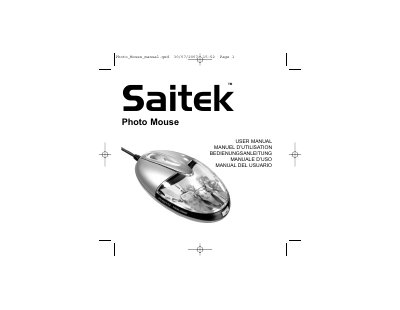
The Saitek Photo Mouse is a fully-functional PC mouse designed for office or home use. Its unique feature allows users to customize it by inserting their favorite picture underneath the transparent mouse casing. The manual details how to print the image to the correct size using provided templates or advanced software like Adobe Photoshop.
| Compatible Operating Systems | Windows 2000/XP/XP64/Vista/Mac OS X |
|---|---|
| Connection Type | USB |
You can customize it by inserting your favorite picture underneath the transparent mouse casing.
The manual specifies approximate dimensions of 60 mm and 53 mm, with the subject positioned in the top middle part.
First visit the Saitek website technical support area or contact your local Saitek Technical Support Team.