
This document is a Saitek Gaming Keyboard Quick Start Guide, which introduces how to connect the keyboard.
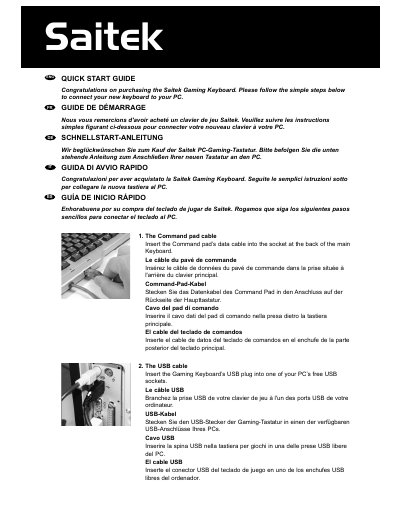
This document provides instructions for setting up the Saitek Gaming Keyboard on a PC. It covers the physical connection of the Command pad data cable to the back of the keyboard and the insertion of the USB plug into a free socket on the computer.
Insert the Command pad's data cable into the socket at the back of the main keyboard.
Insert the Gaming Keyboard's USB plug into one of your PC's free USB sockets.
The disc contains drivers, an installation manual, and Saitek Smart Technology (SST) programming software.