
This document is the manual of Saitek TM P2600 gamepad. It has 4 quick-fire shoulder triggers, 2 FPS gaming buttons, 4 rumble force buttons, 1 analog/digital button, 8-way D-Pad, 6 buttons, 2 analog joysticks.
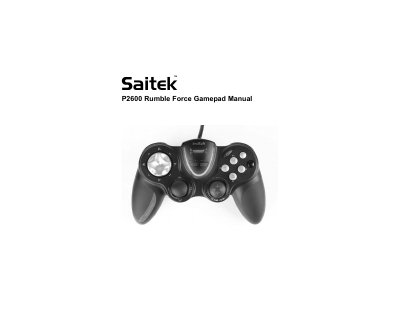
This manual provides instructions for the Saitek TM P2600 Rumble Force Gamepad, detailing the functions of its 4 shoulder triggers, 6 buttons, 8-way D-Pad, and 2 analog joysticks. It explains how to configure the device for First Person Shooter (FPS) games using the dedicated FPS Gaming Button.
Pressing the FPS gaming button automatically loads a First Person Shooter game profile where the pad controls correspond to commands found in most current FPS genre games.
Most games support game controllers, which you can enable by using a [control] options menu within the Main Menu of the game itself.
You can test your controller by opening the Game Controllers window in Control Panel, clicking Properties, and moving the controller or pressing buttons to see a response.