
This is the user manual of the Saitek Notebook mouse
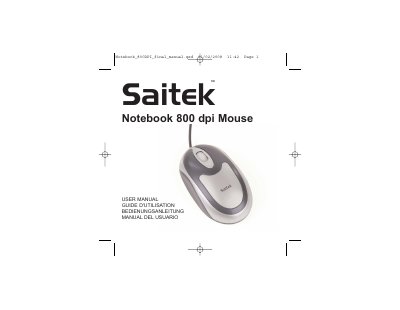
This manual covers the setup and operation of the Saitek Notebook 800 dpi Mouse. It details how to connect the device via USB to a PC running Windows 2000/XP/XP64/Vista or Mac OS X, and includes a device installation wizard guide. The document also addresses common issues such as the mouse not being detected by the system.
| Resolution | 800 dpi |
|---|---|
| Interface | USB |
| Compatible OS | Windows 2000/XP/XP64/Vista/Mac OS X |
| Warranty Period | 2 years |
The mouse is compatible with PCs running Windows 2000, XP, XP64, Vista, and Mac OS X.
With your PC on, insert the Mouse's USB plug into one of your PC's USB sockets and follow the device installation wizard.