
This manual introduces the basic functions and operation of Grandstream Networks, Inc. HT701/HT702/HT704 FXS Port Analog Telephone Adaptors.
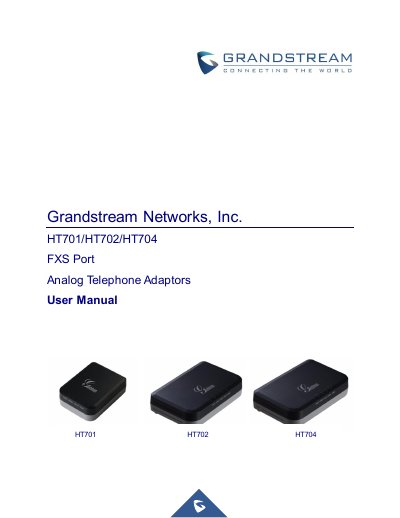
This document provides comprehensive instructions for the Grandstream HT70X series of FXS Port Analog Telephone Adaptors. It details the equipment packaging, physical connection steps, and how to access the device's web-based user interface for configuration. The guide explains how to register SIP accounts, manage call features, and perform firmware upgrades.
| Telephone Interfaces | 1 RJ11 FXS port (HT701), 2 RJ11 FXS ports (HT702), 4 RJ11 FXS ports (HT704) |
|---|---|
| Network Interface | 1 RJ45 10/100 Mb Base-TX, Full Duplex port |
| Power Input | 100–240 VAC/50-60 Hz |
| Power Output | 12VDC, 0.5A (HT701) or 12VDC, 1A (HT702/HT704) |
| Dimensions | 26 x 65 x 86mm (HT701), 28 x 115 x 75mm (HT702/HT704) |
You can reset the device by pressing the reset button for about 7 seconds or by dialing "***" and entering "99" followed by the encoded MAC address.
The Short Haul Loop supports up to 1Km on 24 AWG wire for the HT701 and up to 1Km on 24 AWG line for the HT702 and HT704.
Replace digits 0-9 with themselves, A with 22, B with 222, C with 2222, D with 33, E with 333, and F with 3333.