
The guide provides step‑by‑step installation, wiring and initial configuration instructions for the Grandstream GWN7624 in‑wall Wi‑Fi access point.
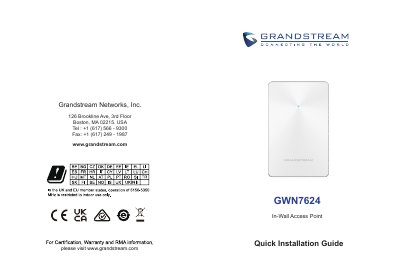
The GWN7624 is an in‑wall Wi‑Fi access point designed for small‑to‑medium businesses, offices, residential and commercial locations. It offers three Gigabit Ethernet ports, an uplink Gigabit port with PoE/PoE+, 4×4:4 MU‑MIMO, and support for up to 200 concurrent clients.
The Quick Installation Guide walks the user through hardware mounting, PoE power connection, default Wi‑Fi network discovery, and accessing the web‑based configuration interface. It also includes safety precautions, reset instructions, and links to the GWN Discovery Tool for network discovery.
| PoE IN Port | 10/100/1000 Mbps, supports PoE/PoE+ |
|---|---|
| LAN 1 Port | 1 × 10/100/1000 Mbps Ethernet |
| LAN 2 & LAN 3 Ports | 10/100/1000 Mbps Ethernet with PSE; both usable as PSE when powered by PoE+ |
| Maximum PSE Output | 6 W per port |
| Operating Temperature | -10 °C to 50 °C |
| MU‑MIMO | 4×4:4 |
Connect an RJ45 Ethernet cable to the PoE IN port and plug the other end into a PoE/PoE+ switch.
The AP broadcasts a default SSID based on its MAC address (GWN + last six MAC digits) and a random password printed on the MAC tag.
Press the reset pinhole for 7 seconds to restore factory settings.