
This user manual covers the installation, login, configuration, and troubleshooting for the Grandstream GXV3615WP-HD square HD IP camera.
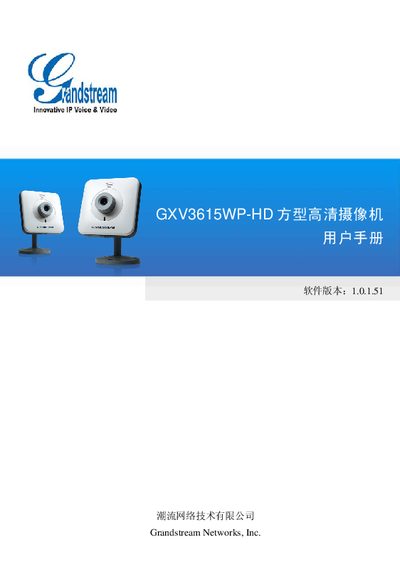
The document is a user manual for the Grandstream GXV3615WP-HD square high-definition IP camera. It provides instructions on safety precautions, product introduction, hardware installation, and how to access the device via web browsers (IE or Firefox) using ActiveX plugins or manual plugin installation. This manual is written in Chinese.
| Image Sensor | 1/3.2", 2 million pixels CMOS, 1600H x 1200V pixels |
|---|---|
| Lens | 1/3", M12, f=4.2mm focal length, F1.8 |
| Minimum Illumination | 0.5Lux |
| Video Encoding | H.264, MJPEG, JPGE |
| Max Resolution | 1600x1200 |
| Network Interface | 10M/100M adaptive Ethernet, supports PoE (IEEE 802.3af class 0) |
| Wi-Fi | Supports, built-in antenna (802.11b/g/n) |
| Dimensions | 90mm(W) x 45mm(H) x 90mm(L) |
| Weight | 0.568KG (packaging total weight) |
The device supports Internet Explorer (IE) and Firefox browsers.
Users must download and manually install a Firefox Plugin to watch the video.
The device requires a SELV compliant DC 12V power supply.