
This manual provides instructions for installing, configuring, and operating the Grandstream WP810 enterprise portable Wi-Fi phone, including SIP account…
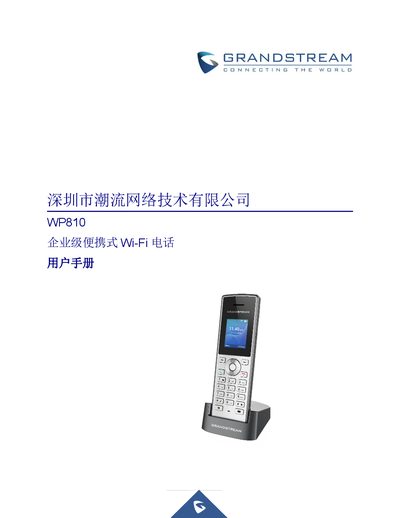
The Grandstream WP810 is an enterprise-grade portable Wi-Fi phone designed for business use. This user manual covers the complete lifecycle of the device, from unboxing and initial setup to advanced configuration and maintenance. It details how to install the hardware, connect to Wi-Fi networks, and register SIP accounts for voice communication. This manual is written in Chinese.
| Display | 1.8 inch (128x160) TFT color LCD |
|---|---|
| Standby Time | 120 hours |
| Talk Time | 6 hours |
| Wi-Fi Support | Dual-band 802.11a/b/g/n/ac |
| SIP Accounts | 2 |
You can reset the device via the LCD menu by navigating to Settings > Advanced Settings > Factory Reset, or through the Web GUI under Maintenance > Tools.
The WP810 supports G.711μ/a, G.729A/B, G.722, iLBC, and Opus, among others.