
This manual provides instructions for setting up, configuring, and using the Grandstream GAC2570 enterprise HD audio conference phone, including network…
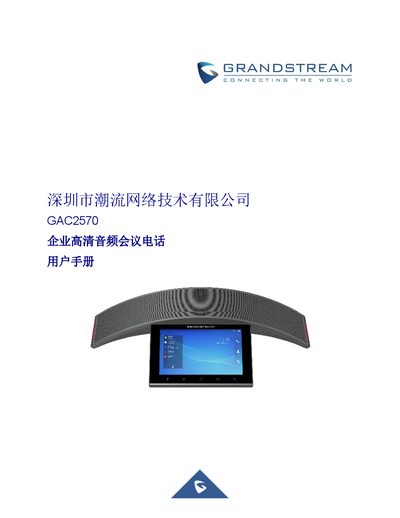
The Grandstream GAC2570 is an enterprise-grade HD audio conference phone featuring a 7-inch touchscreen, 12 omnidirectional microphones, and a 10-watt high-fidelity speaker. It supports full-duplex hands-free communication with advanced echo cancellation and beamforming technology. The device integrates Wi-Fi 6, Bluetooth 5.0, and PoE+ connectivity for flexible deployment in office environments. This manual is written in Chinese.
| Microphones | 12 omnidirectional microphones with MMAD |
|---|---|
| Speaker | 10-watt high-fidelity speaker |
| Display | 7-inch 1280x800 IPS touchscreen |
| Operating System | Android 10 |
| Wi-Fi | Wi-Fi 6, dual-band 2.4 & 5GHz |
| Bluetooth | Bluetooth 5.0 |
| Network Interface | 1x RJ45 10/100/1000Mbps with PoE+ |
| Audio Codecs | G.711, G.722, G.722.1c, Opus, G.729A/B |
The manual covers firmware version 1.0.1.23.
The device features 12 omnidirectional microphones that support MMAD.
Yes, the device supports PoE+ on its 10/100/1000Mbps network port.