
This manual provides installation, troubleshooting, and configuration instructions for the Grandstream GXW42XX gateway series.
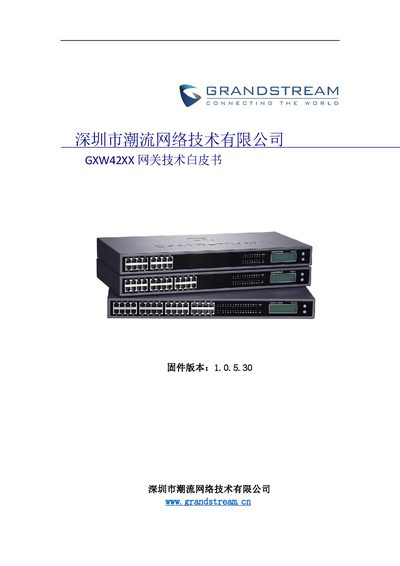
The document serves as a technical white paper and user guide for the Grandstream GXW42XX series of gateways (models 16/24/32/48). It covers essential installation steps, including power specifications and connection procedures to start the device. The guide details how to query the gateway IP address via network or LCD screen. This manual is written in Chinese.
| Power Supply (Standard) | 12V/5A |
|---|
The default login password is admin.
Disconnect the Ethernet cable, insert a pin into the hole near the power jack on the back for about 7 seconds.
The default SIP server port is 5060.