
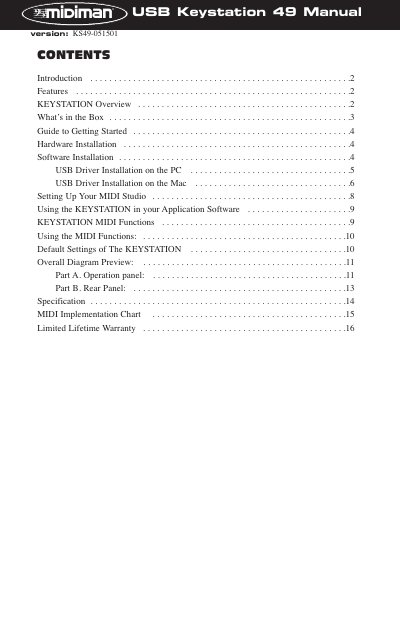
This manual introduces the features and usage of KEYSTATION, including hardware installation, software installation, MIDI settings and usage methods.
This manual provides instructions for the Midiman KEYSTATION 49, a fully functional 49-key USB Direct Connect MIDI controller. It details how to install the necessary drivers for Windows and Macintosh computers, including the specific requirement for Opcode's OMS software on Mac systems. The guide also explains how to set up the device for standalone use or as a controller for external MIDI modules.
| Keys | 49 dynamic keys |
|---|---|
| Power Supply | 9V DC or 6 C size batteries |
| Power Input (USB) | Parasitic power from USB |
| MIDI Out | Two MIDI OUT jacks |
| Sustain Footswitch | Optional socket |
The driver requires Windows 98 or higher, specifically Windows 98, ME, or 2000.
Yes, Opcode's OMS is required to run the KEYSTATION on a Macintosh.
Yes, it can be parasitically powered by the computer's USB port, but a power supply is recommended for consistent performance.