
Key facts
- Brand
- MIDIMAN
- Model
- KEYSTATION 49
- Category
- Other Electronics
- Documents
- 2
- Languages
- EN
- Last added
- 2023-10-16
Start here
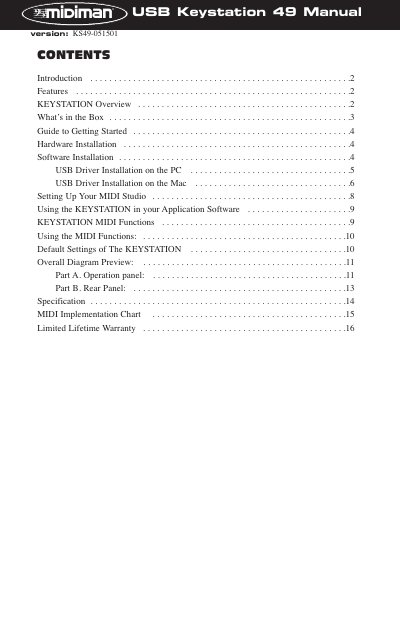
Midiman KEYSTATION 49 USB Direct Connect MIDI Controller User Manual
This manual provides instructions for the Midiman KEYSTATION 49, a fully functional 49-key USB Direct Connect MIDI controller. It details how to install the necessary drivers for Windows and Macintosh computers, including the specific requirement for Opcode's OMS software on Mac systems. The guide also explains how to set up the device for standalone use or as a controller for external MIDI modules.
Read onlineMidiman KEYSTATION 49 specifications
| Keys | 49 dynamic keys |
|---|---|
| Power Supply | 9V DC or 6 C size batteries |
| Power Input (USB) | Parasitic power from USB |
| MIDI Out | Two MIDI OUT jacks |
| Sustain Footswitch | Optional socket |
Source: Midiman KEYSTATION 49 USB Direct Connect MIDI Controller User Manual
All Midiman KEYSTATION 49 documents by type
Day-to-day operation, settings and troubleshooting. Start here if the product is already set up.
Questions answered in these manuals
What operating systems are supported for PC?
The driver requires Windows 98 or higher, specifically Windows 98, ME, or 2000.
From: Midiman KEYSTATION 49 USB Direct Connect MIDI Controller User Manual
Is OMS software required for Mac users?
Yes, Opcode's OMS is required to run the KEYSTATION on a Macintosh.
From: Midiman KEYSTATION 49 USB Direct Connect MIDI Controller User Manual
Does the Keystation have built-in sounds?
No, the Keystation has no built-in sound making capabilities and is called a controller keyboard.
What is the default MIDI transmit channel?
The default transmit channel is MIDI Channel 1.