
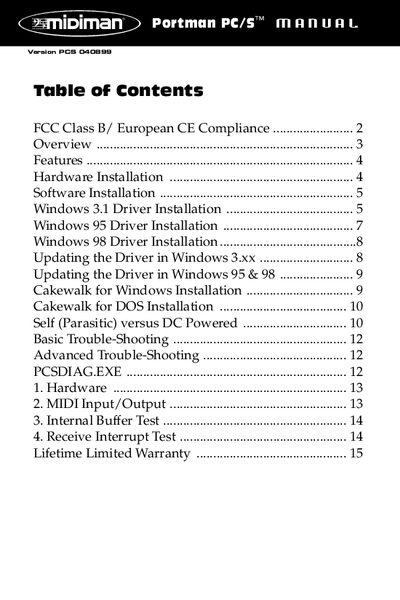
This document provides information about FCC Class B/ European CE compliance, features of the product, and instructions for hardware and software installation.
The MIDIMAN Portman PC/S is a professional 1 In/1 Out MIDI interface designed to connect externally to the serial port on any PC. It features a parasitic design that allows it to derive power directly from the serial port, making it extremely portable and suitable for laptops and desktops without an external power supply in most cases.
The document details hardware installation via standard serial cables and provides step-by-step software installation procedures for Windows 3.1, Windows 95, and Windows 98 drivers. It also covers updating existing drivers, compatibility with various MIDI applications like Cakewalk, and basic to advanced troubleshooting steps.
| MIDI Ports | One MIDI In and one MIDI Out jack |
|---|---|
| Power Source | Serial port (parasitic) or optional 9VDC adapter |
| Operating Systems | DOS, Windows 3.1, Windows 95, Windows 98 |
| Computer Compatibility | XT/286/386/486 /Pentium compatible computers |
Most PCs do not need an external power supply as it is powered by the serial port, though some low-power laptops may require one.
A hardware handshaking serial cable is required to connect the device to the computer.
No, you must not use Logitech serial mouse drivers as they will interfere with the PC/S; use Microsoft serial mouse drivers instead.