
Midiman KEYSTATION 61 USB MIDI Controller User Manual

Introduces the features and characteristics of KEYSTATION, including hardware installation, software installation, setting and usage
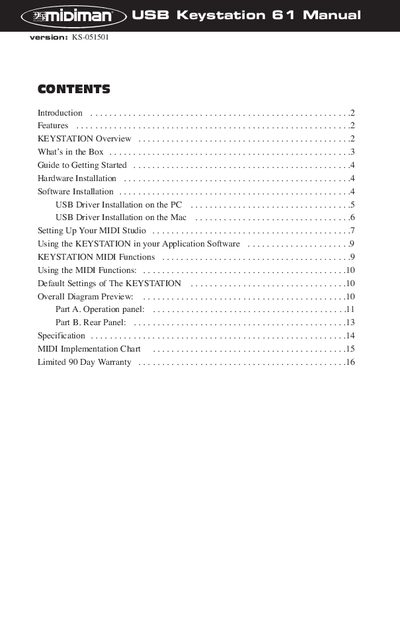

Midiman KEYSTATION 61 USB MIDI Controller User Manual - cover page
Brand
MIDIMAN
Category
Other Electronics
Document type
User Manual
Language
English
Pages
16
File format
PDF
File size
628 KB
Published
04 July, 2012
Updated
30 September, 2023
MD5 checksum
1FDAE6C8060D6CBEAADE5ACEAB6A9F52

About this manual

The Midiman KEYSTATION 61 is a fully functional USB Direct Connect MIDI controller featuring 61 dynamic keys. It allows users to control MIDI parameters and transmit information to computers, sound modules, or workstations via a USB interface. The device can operate as a standalone MIDI controller or be powered parasitically from a computer's USB port.

What's inside

  • Introduction
  • Features
  • KEYSTATION Overview
  • What's in the Box
  • Hardware Installation
  • Software Installation
  • Setting Up Your MIDI Studio
  • Using the KEYSTATION in your Application Software
  • KEYSTATION MIDI Functions
  • Specification

Specifications

Keys61 dynamic keys
Power Supply9V DC 500mA
InterfaceUSB
MIDI Out2 jacks

Frequently asked questions

What operating systems are supported for PC?

Windows 98 or higher is required to properly use the KEYSTATION.

What operating systems are supported for Mac?

Macintosh operating system OS 8.6 or higher is required.

Is a power supply required for USB mode?

No, the computer's USB port provides the power to run the KEYSTATION in USB mode.

Download PDF (628 KB)

More MIDIMAN Manuals


View all MIDIMAN manuals →