
This manual introduces the features and usage of FrSky ARCHER GR8 receiver
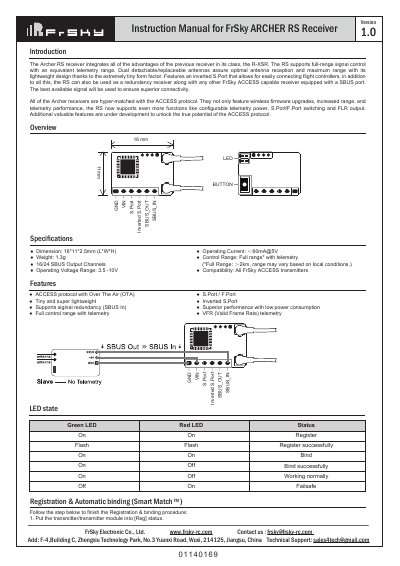
The FrSky ARCHER RS receiver is a lightweight device featuring the ACCESS protocol with Over The Air (OTA) firmware upgrades. It supports full-range signal control with telemetry and includes dual detachable antennas for optimal reception. The receiver can also function as a redundancy receiver alongside other FrSky ACCESS capable receivers equipped with an SBUS port.
| Dimension | 16*11*2.5mm (L*W*H) |
|---|---|
| Weight | 1.3g |
| SBUS Output Channels | 16/24 |
| Operating Voltage Range | 3.5 -10V |
| Operating Current | ≤60mA@5V |
| Control Range | Full range* with telemetry |
Go to the SD CARD menu on the transmitter, select the FW, press enter, choose [Flash receiver OTA], power on the receiver, select the RX, and press [ENTER]. Wait for the Green LED to start flashing after re-powering.
Select the Receiver on the transmitter, press the ENTER button, select the Options, and then select F.Port.
It is a pre-flight check to ensure signal integrity before flying, as reflections from nearby metal fences or buildings can cause signal loss.