
FrSky Taranis X9 Lite Manual is the user manual for the FrSky Taranis X9 Lite radio remote control
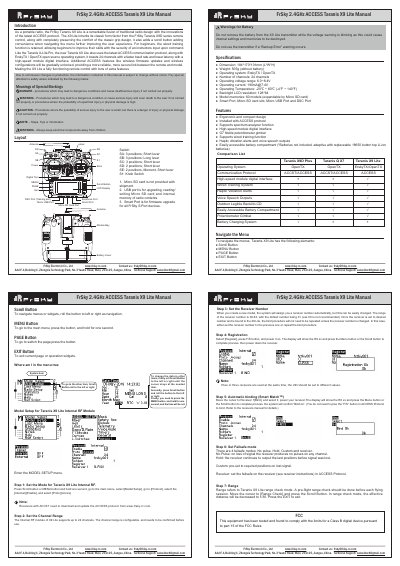
This manual provides instructions for the FrSky Taranis X9 Lite, a portable radio controller featuring the ACCESS protocol and ErskyTX/OpenTX operating systems. It details the device's physical layout, including the scroll button, menu, page, and exit buttons, as well as the locations of ports like the Micro USB and Smart Port.
| Dimension | 184*170*101mm (L*W*H) |
|---|---|
| Weight | 505g (without battery) |
| Operating system | ErskyTX / OpenTX |
| Number of channels | 24 channels |
| Operating voltage range | 6.0~8.4V |
| Operating current | [email protected] |
| Operating Temperature | -20℃ ~ 60℃ (-4℉ ~ 140℉) |
| Backlight LCD resolution | 128*64 |
| Model memories | 60 models (expandable by Micro SD card) |
The four failsafe modes are No pulse, Hold, Custom, and receiver.
To navigate the menus, use the Scroll Button to roll left or right.
Press the PAGE button to switch the page.
Press the EXIT button to exit the current page or operation widgets.