
FrSky R9 Slim+ OTA receiver is a 900MHz receiver that implements the ACCESS protocol and supports wireless firmware upgrades, with low latency and high precision. It supports S.Port/F.Port interfaces and battery voltage detection. The receiver is designed with dual antennas and has 6 PWM outputs.
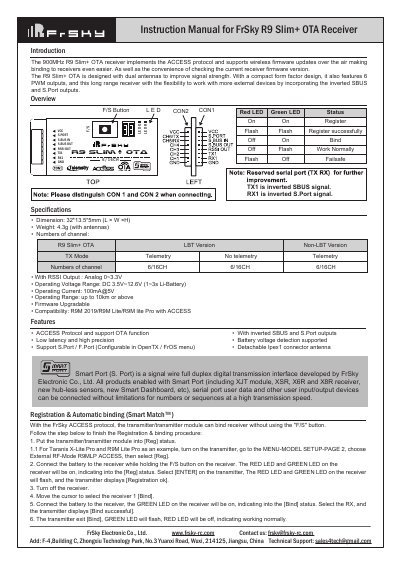
The FrSky R9 Slim+ OTA is a 900MHz remote control receiver designed with dual antennas to improve signal strength. It implements the ACCESS protocol and supports wireless firmware updates over the air (OTA), allowing users to check the current firmware version and update it without physical access. The device features low latency, high precision, and includes configurable S.Port/F.Port interfaces.
| Operating Voltage Range | DC 3.5V~12.6V (1~3s Li-Battery) |
|---|---|
| Operating Current | 100mA@5V |
| Operating Range | up to 10km or above |
| Dimensions | 32*13.5*5mm (L × W ×H) |
| Weight | 4.3g (with antennas) |
Put the transmitter into [Reg] status, connect the battery to the receiver while holding the F/S button until LEDs flash, then select the receiver on the transmitter to complete binding.
Go to the External RF menu in your transmitter, select the Receiver option, press ENTER, and choose to enable or disable the telemetry setting.
The receiver supports three failsafe modes: No Pulse (no output on signal loss), Hold (maintains last position), and Custom (moves to a pre-set position).
Select the FW on the SD card menu in your transmitter, press enter to select [Flash receiver OTA], power on the receiver, and wait for the flash process to complete.