
The Canon XA25/XA20 HD Camcorder User Manual provides safety guidelines, setup steps, operation instructions, and feature details.
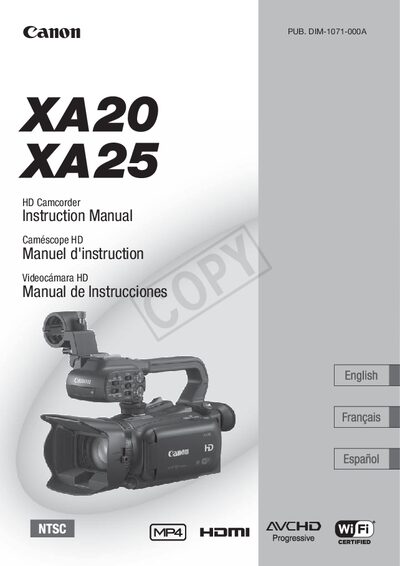
This manual covers important safety warnings, such as avoiding exposure to rain or moisture and using only recommended accessories. It also lists the supplied accessories, preparation steps, and basic operation of the camcorder, including menu navigation, shooting modes, and focus controls.
The guide explains advanced functions like Wi‑Fi remote control, dual recording, infrared recording, and external connections. Detailed specifications for the image sensor, lens, recording media, and maximum recording times are provided, along with troubleshooting tips and maintenance advice.
| Image Sensor | 1/2.84-inch CMOS, 3,090,000 pixels |
|---|---|
| Optical Zoom | 20x |
| Touch Screen | 3.5‑in OLED, 100% coverage |
| Recording Media | SD, SDHC, SDXC memory cards |
Do not expose the camcorder to rain or moisture and use only the recommended accessories and batteries.
The camcorder can be controlled via Wi‑Fi using a smartphone or tablet with the remote application.
The camcorder supports SD, SDHC, and SDXC memory cards.