
This manual provides installation and configuration information for the Conettix DX4020 Network Interface Module.
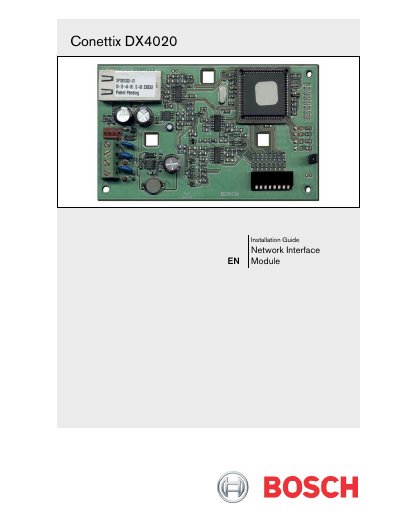
The Conettix DX4020 is an Ethernet Network Interface Module (NIM) designed to facilitate bi-directional communications over Ethernet networks. It serves as a bridge between compatible control panels and PC front-end software packages, enabling functions such as history retrieval, building integration system connections, remote programming, and diagnostic troubleshooting.
Installation involves mounting the module inside a standard three-point enclosure or using an AE1/AE2 separate enclosure with specific conduit requirements. Wiring connects the DX4020 data bus terminals (Red, Yellow, Green, Black) to the compatible control panel's corresponding terminals. The guide also details DIP switch configurations for various Bosch control panel series and provides instructions for assigning IP addresses via ARP or Telnet.
The power supply provides a maximum of 1.4 Amps.
G Series control panels require Firmware Version 6.9 or higher.
The range is 3.7 - 5.0 VDC when open and 2.0 - 3.0 VDC when normal.