
This user guide explains the operation of the Bosch Security Systems ICP-CC408E-CN and ICP-CC488E-CN intruder alarm controllers, covering arming/disarming…
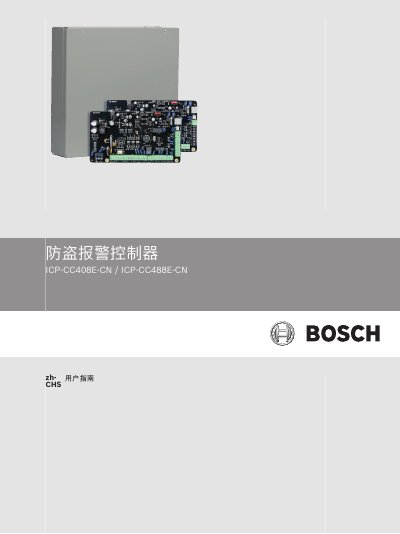
This manual provides instructions for operating the Bosch Security Systems ICP-CC408E-CN and ICP-CC488E-CN intruder alarm controllers. It details how to use the keypad interface to arm or disarm the system in various modes, such as Away, Stay 1, and Stay 2, and explains how to manage user codes and zone bypasses. This manual is written in Chinese.
| Operating Temperature | 0°C - +50 ℃ |
|---|---|
| Environmental Humidity | 20% - 90% |
| Power Requirement | Transformer – 220 V/18 VAC @ 1.47 A |
| Standby Current Consumption | 65 mA |
| Alarm Current Consumption | 115 mA |
| Backup Battery | 7 Ah/12 VDC Sealed Lead Acid Rechargeable Battery |
The default user code is 2580.
Enter your user code and then press the [#] key, for example [2580#].
A flashing light indicates that a zone is in an alarm state.