
This manual provides installation, configuration, and operation instructions for the Bosch Security Systems DCN-MR(T) Meeting Recorder software and hardware.
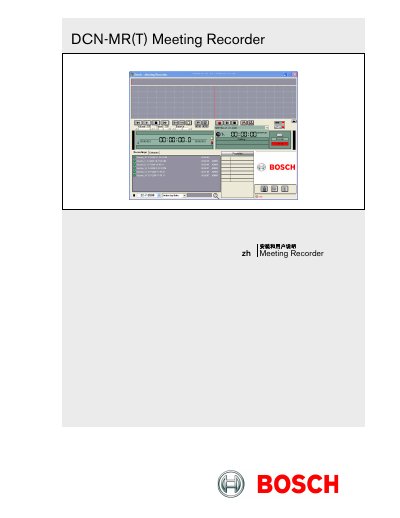
This document serves as the installation and user guide for the DCN-MR(T) Meeting Recorder, a software application designed for recording and transcribing meetings. It details the requirements for the host PC, including operating systems and hardware interfaces like USB and RS232 ports. The guide covers the installation of the application and license dongle, as well as the configuration of audio settings and external hardware connections. This manual is written in Chinese.
| Operating System | Windows 7 Home Premium (32 and 64 bit) or higher. Or: Windows Vista Home Premium (32 or 64 bit) or higher. |
|---|---|
| Audio Input | Stereo recording capability |
| USB Ports | For License Dongle, DCN-MRFP Transcription Footswitch, and RS232 to USB converter |
The DCN-MR license is for full functionality including recording, playback, editing, and transcription, while the DCN-MRT license is limited to playback, editing, and transcription.
The application will only run in 'Demo Mode' if the license dongle is not connected.
Connect the footswitch to an idle USB port on the PC; the PC will detect it within one minute.