
Key facts
- Manuals
- 1
- Languages
- ZH
- Last added
- 2026-10-10
Featured Bosch Security Systems manuals
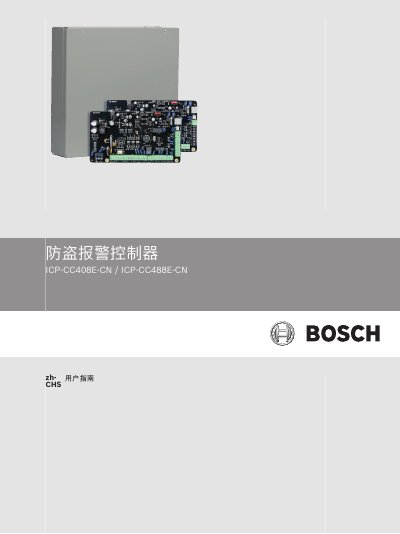
Bosch Security Systems ICP-CC408E-CN/ICP-CC488E-CN Intruder Alarm Controller User Guide
This manual provides instructions for operating the Bosch Security Systems ICP-CC408E-CN and ICP-CC488E-CN intruder alarm controllers. It details how to use the keypad interface to arm or disarm the system in various modes, such as Away, Stay 1, and Stay 2, and explains how to manage user codes and zone bypasses. This manual is written in Chinese.
Covers: Introduction · Technical Specifications · Keypad Interface · System Arming · System Disarming · User Codes
Latest Bosch Security Systems manuals
Bosch Security Systems ICP-CC408E-CN/ICP-CC488E-CN Intruder Alarm Controller User Guide
User Manual 24 pages · 921 KB · ZHThis user guide explains the operation of the Bosch Security Systems ICP-CC408E-CN and ICP-CC488E-CN intruder alarm controllers, covering arming/disarming…
Which document do I need?
User Manual
Day-to-day operation, settings and troubleshooting. Start here if the product is already set up.
Questions answered in Bosch Security Systems manuals
What is the default user code?
The default user code is 2580.
From: Bosch Security Systems ICP-CC408E-CN/ICP-CC488E-CN Intruder Alarm Controller User Guide
How do I arm the system in Away mode using the standard method?
Enter your user code and then press the [#] key, for example [2580#].
From: Bosch Security Systems ICP-CC408E-CN/ICP-CC488E-CN Intruder Alarm Controller User Guide