
This manual introduces the use of MCD772 DVD Micro Theatre.
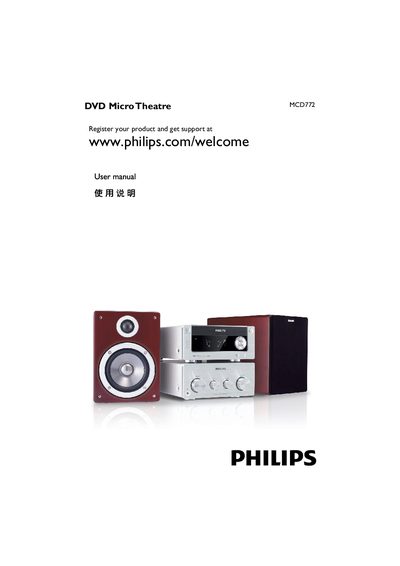
This manual guides users through installing the MCD772 DVD Micro Theatre, connecting speakers, video and audio cables, and configuring TV settings. It also covers basic operation, remote‑control functions, and advanced features such as progressive‑scan and HDMI setup.
Safety warnings, environmental disposal information, and a detailed troubleshooting section help ensure reliable and safe use of the device. Registration for support is available online. This manual is written in Chinese.
Visit the registration page at www.philips.com/welcome and follow the instructions.
Connect the speaker wires to the SPEAKERS terminals, matching the red‑marked (+) and black (–) leads to the corresponding L and R terminals.
Check that the power cord is connected, the TV is on, the video cable is properly attached, and the source selector is set to DVD.