
This document describes the features and characteristics of the MCD728 DVD Micro Theatre, including supported copyright protection technology, the use of DivX and Windows Media under license, Dolby's authorization, HDMI, and integrated control bus functionality.
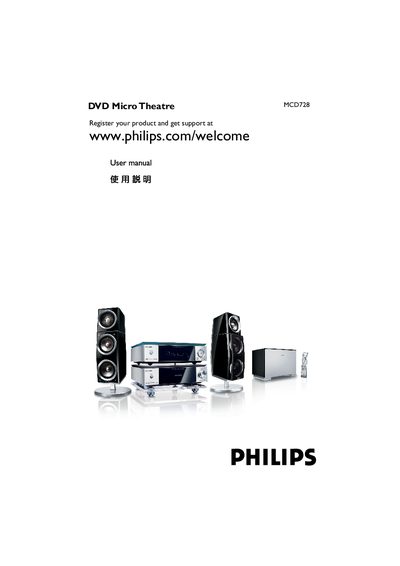
This manual covers registration, safety warnings, and basic operation of the Philips MCD728 DVD Micro Theatre. It explains how to connect the unit via HDMI, Component Video, S‑Video, and other inputs, and describes the Dolby Virtual Speaker technology that creates a 5.1‑channel experience from two speakers.
The document also includes information on copyright protection, parental‑control settings, region‑code selection, and troubleshooting tips. Technical specifications such as supported audio formats (Dolby Digital, DTS, PCM) and power‑supply requirements are listed for reference.
Press the button again (press 9 15\)5) to turn off Demo Mode.
Dolby Virtual Speaker creates a highly compelling 5.1‑channel listening experience from as few as two speakers.