
This document is the user manual of MCD772 DVD Micro Theatre
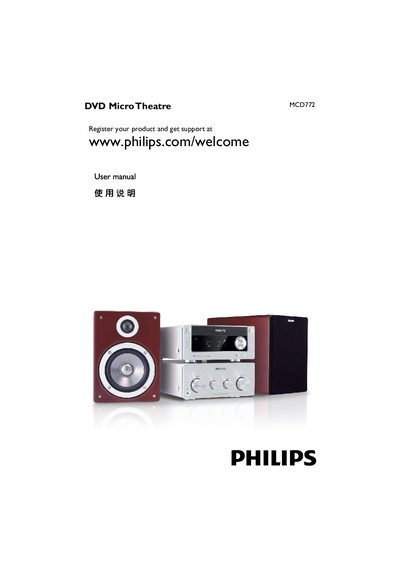
This manual covers the Philips MCD772 DVD Micro Theatre, a compact DVD player with built‑in power amplifier. It includes safety guidelines, installation steps, speaker and TV connections, and remote‑control usage.
Detailed sections explain how to connect composite, component, S‑Video, HDMI and RF inputs, set up audio and video options, and troubleshoot common issues such as remote‑control problems, disc playback errors, and audio/video output settings.
Use an HDMI cable to connect the DVD player’s HDMI socket to the TV’s HDMI IN socket, then set the digital output to PCM only in the audio setup menu.
Wipe the disc with a non‑abrasive cloth, moving from the centre outward, never in a circular motion.
Connect the speaker wires to the SPEAKERS terminals, matching the right speaker to the “R” terminal and the left speaker to the “L” terminal, with the marked wire to the “+” terminal and the unmarked wire to the “–” terminal.