
This document is the Philips MCM138D Docking Entertainment System User manual, which mainly introduces the usage methods and precautions of the product.
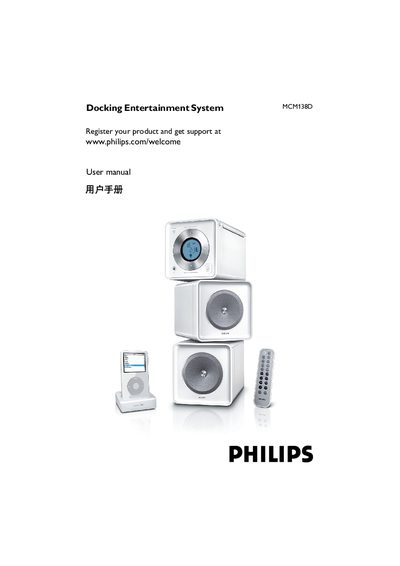
This manual explains how to set up the MCM138D docking entertainment system, connect power, antennas and speakers, and register the product for support. It also covers remote‑control usage, battery replacement and compatible iPod accessories.
Safety guidelines, basic playback functions, radio tuning, power‑saving standby mode and detailed technical specifications are included, along with troubleshooting tips and environmental information.
| Output Power | 2 x 2 W |
|---|---|
| Signal‑to‑Noise Ratio | ≥ 62 dBA (IEC) |
| Frequency Response | 125 – 16000 Hz, ± 3 dB |
| Speaker Impedance | 8 Ω |
| Headphone Impedance | 32 Ω |
| CD Player Frequency Range | 20 – 20000 Hz |
| FM Band Range | 87.5 – 108.5 MHz |
| Standby Power Consumption | < 4 W |
| Dimensions (W×H×D) | 150 x 153 x 204 mm |
| Weight (with speakers) | ≈ 4.9 kg |
Visit www.philips.com/welcome and register the product to receive support.
All Apple iPod models with a 30‑pin connector, including iPod touch, iPod classic, iPod nano (1st‑5th generations) and iPod with various capacities.