
This is a user manual for the MCD177 DVD Micro Theater. The manual describes the features and characteristics of the product.
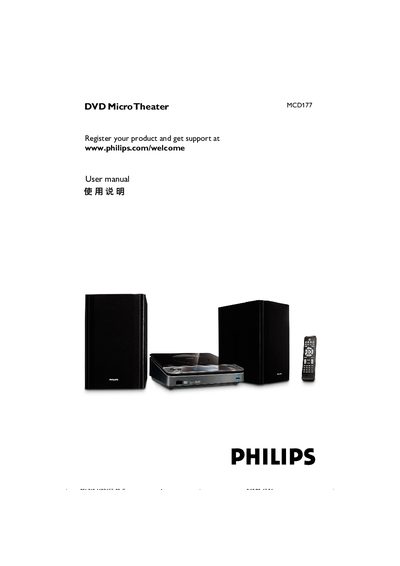
This manual guides users through basic operation of the Philips MCD177 DVD Micro Theater, including power‑on/off, volume control, audio effects and disc handling. It also explains how to register the product for support.
Detailed sections cover speaker and TV connections, video‑in options, progressive‑scan setup, timer functions, parental controls, maintenance, technical specifications and troubleshooting steps.
| Output Power (RMS) | 20 W per channel |
|---|---|
| Frequency Response | 200 Hz – 18 kHz ±3 dB |
| Signal‑to‑Noise Ratio | > 60 dB (A‑weighted) |
| Input Sensitivity (AUX) | 500 mV |
| Power Supply Voltage | 100‑240 V, 50/60 Hz |
| Operating Power Consumption | 30 W |
| Dimensions (W × H × D) | 232 mm × 85 mm × 275 mm |
| Weight | 1.24 kg |
Connect the left speaker to the “L” terminal and the right speaker to the “R” terminal, matching red (+) and black (‑) wires as shown in the manual.
Select the “Progress” option in the Video Setup menu and ensure the TV is a progressive‑scan model; otherwise disable the option.
The supplied 24 V power adapter works with an input range of 100‑240 V, 50/60 Hz.
After restoring power, re‑enter the clock and timer settings in the “General Setup” menu.