
This document describes the features and characteristics of the MCD906 DVD Micro Theatre 2 product, including copyright protection technology, support for DivX and Windows Media, HDMI interface, Dolby sound, etc.
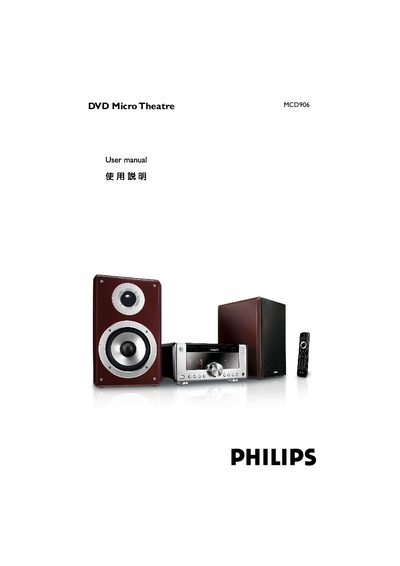
This manual guides users through installing the MCD906 DVD Mini Theater system, connecting speakers, TV, FM antenna and optional USB storage, and configuring audio and video settings. It also explains safety precautions, environmental disposal information, and the included accessories.
Detailed sections cover basic functions such as power‑on, volume, bass boost, Dolby Digital decoding, and parental‑control settings, as well as advanced features like progressive‑scan video, HDMI setup, and troubleshooting common issues.
| Audio channels | 2.0‑channel digital |
|---|---|
| Dolby Digital decoder | Built‑in |
| Audio setting support | DSC |
Make sure the AC power cord is properly connected and press the standby button on the unit or remote.
Connect the left speaker’s wire to the “L” terminal on the amplifier.
Use the Component (Y Pb Pr) video input; the system will output progressive‑scan only when the TV supports it.
Check that the remote’s batteries are inserted correctly, aim it at the sensor, and remove any obstacles.