
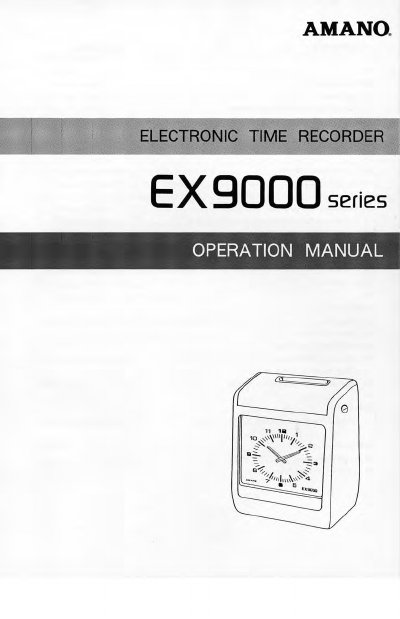
This manual provides instructions for operating the Amano EX9000 series time clock. It details the features and options available across the EX9000, EX9050, EX9200, and EX9500 models, including single or two-color printing and time signal capabilities. The document guides users through initial setup, including dip switch configurations for card types and signal settings.
| Power consumption | Ordinary 5W, Maximum 30W |
|---|---|
| Dimensions | 260(W) x 180(D) x 320(H)mm |
| Weight | 3.5 kg (7.8 lbs) |
| Clock system | Quartz |
| Battery backup | Built-in lithium battery keeps inner clock running and protects programmed data for 3 years |
The series includes the EX9000, EX9050, EX9200, and EX9500 models.
The standard built-in lithium battery keeps the inner clock running and protects programmed data for 3 years of accumulated power failure time.
The unit supports 100VAC, 120VAC, 220VAC, or 240VAC with a +10% tolerance at 50 or 60Hz.