
This document is the warranty statement for Crosley 302 Desk Phone CR60 Instruction Manual.
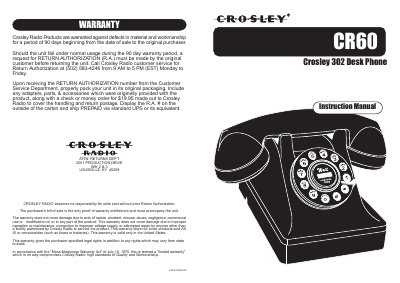
This document is the instruction manual for the Crosley CR60, also known as the Crosley 302 Desk Phone. It provides setup instructions, including how to configure the dial mode (Tone or Pulse) and adjust the ringer and receiver volume. The manual also details how to make and answer calls, use the flash function, and perform basic troubleshooting for common issues like no dial tone or slow dialing.
| Registration Jack USOC | RJ11C/RJ11W |
|---|---|
| Modular Plug Compliance | TIA/EIA-IS-968 |
| Maximum REN | 5.0 |
Slide the DIAL MODE switch at the back of the telephone to TONE for standard service or PULSE for rotary service.
Use the RECEIVER VOLUME CONTROL switch located on the bottom of the telephone to adjust the volume from LOW to HI.
Check that all plugs are connected properly and try another modular jack. Also, ensure the DIAL MODE switch is set correctly for your area.