
This is a manual for a musical photo ornament. The manual includes instructions on how to operate the ornament and how to troubleshoot problems
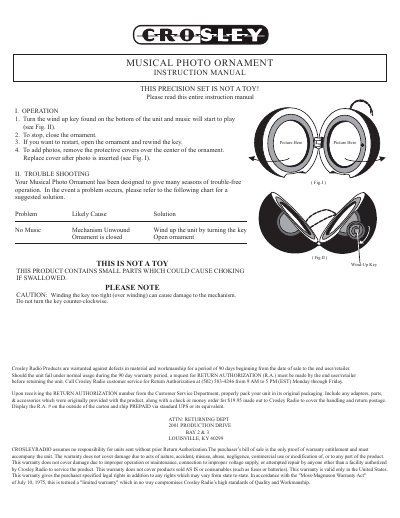
The Crosley Musica Photo Ornament is a wind-up musical device designed to play music and display photos. To operate, turn the wind-up key located on the bottom of the unit to start the music. To stop, close the ornament. To restart, open the ornament and rewind the key. Users can add photos by removing the protective covers over the center of the ornament, inserting the picture, and replacing the cover.
Remove the protective covers over the center of the ornament, insert the photo, and replace the cover.
Check if the mechanism is unwound or if the ornament is closed, then wind up the unit or open it as needed.
The product is warranted against defects in material and workmanship for a period of 90 days beginning from the date of sale.