
Crosley CR93-01 Telephone User Manual


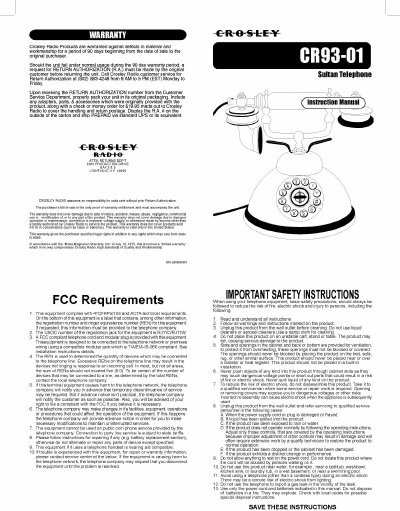
Crosley CR93-01 Telephone User Manual - cover page
Brand
Crosley
Category
Telephone
Document type
User Manual
Language
English
Pages
2
File format
PDF
File size
1.5 MB
Published
09 August, 2012
Updated
30 August, 2012
MD5 checksum
6030F40B29C15AB1905B6658923F04FE

About this manual

This document is the user manual for the Crosley CR93-01 telephone. It provides instructions on setting up the device, including configuring the dial mode (Tone or Pulse) and adjusting the ringer and receiver volume. The manual also details how to connect the handset cord and line cord for installation.

What's inside

  • Warranty
  • Safety Instructions
  • Setup
  • Installation
  • Making and Answering Calls
  • Troubleshooting
  • Care and Maintenance
  • Location of Parts

Specifications

Registration JackRJ11C/RJ11W
Compliance47CFR Part 68
Warranty Period90 days

Frequently asked questions

How do I set the dial mode?

Slide the DIAL MODE switch at the bottom of the telephone to TONE for standard service or PULSE for Rotary service.

How do I adjust the ringer volume?

Use the RINGER CONTROL switch on the bottom of the phone to adjust the volume.

What should I do if I have no dial tone?

Ensure all plugs are connected properly and try another modular jack within your home.

Download PDF (1.5 MB)

More Crosley Manuals


View all Crosley manuals →