
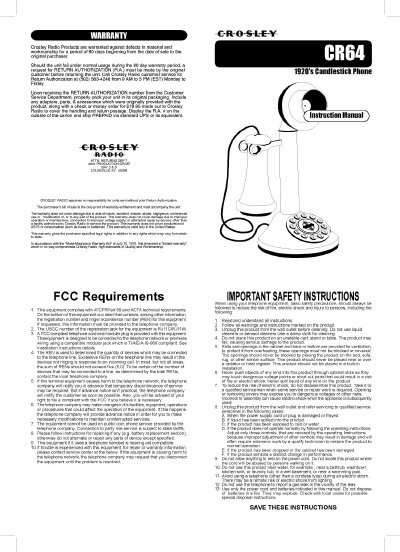
This is the user manual for the Crosley 1920's Candlestick Phone. It opens with the Crosley Radio warranty terms and return procedure, followed by FCC requirements and a list of important safety instructions for using telephone equipment.
The setup section explains the DIAL MODE switch (TONE or PULSE), the mechanical bell RINGER CONTROL switch (ON/OFF), and the RECEIVER VOLUME CONTROL switch (LOW/HI) on the bottom of the phone. It also covers connecting the line cord to the wall jack, making and answering calls, using FLASH with services such as call waiting, troubleshooting (no dial tone, calls that cannot be dialed, no ringing), care and maintenance, and the parts included with the telephone.
| Line cord length | 87 inches |
|---|---|
| Registration jack (USOC) | RJ11C/RJ11W |
| Dial mode settings | TONE / PULSE |
| Receiver volume settings | LOW / HI |
| Ringer control settings | OFF / ON |
Slide the DIAL MODE switch at the back to TONE unless you have Dial-Pulse (Rotary) telephone service, in which case slide it to PULSE.
Check that the RINGER CONTROL switch is not set to OFF.
Use the RECEIVER VOLUME CONTROL switch on the bottom of the telephone to set the volume from LOW to HI.