
Crosley Animated Musical Jewelry Box Instruction Manual

This document is about the instruction manual of a musical jewelry box, which introduces the product's functions and features, and how to use it.
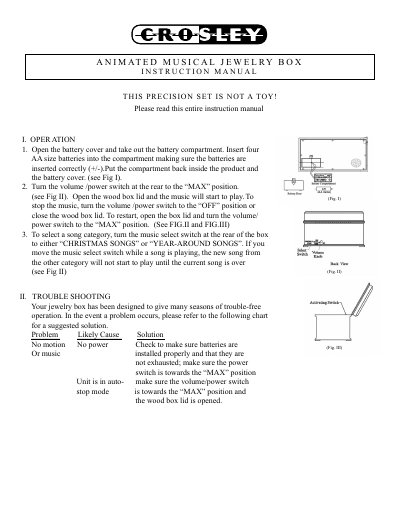

Crosley Animated Musical Jewelry Box Instruction Manual - cover page
Brand
Crosley
Category
Other
Document type
User Manual
Language
English
Pages
2
File format
PDF
File size
1.7 MB
Published
09 August, 2012
Updated
01 October, 2023
MD5 checksum
AFEE5FAE793711771F727179FC69627B

About this manual

This manual provides instructions for operating the Crosley Animated Musical Jewelry Box. It details how to install batteries, select between 'Christmas Songs' and 'Year-Around Songs' categories, and control the music playback using the volume/power switch. The device features an animated mechanism that plays music when the lid is opened.

What's inside

  • Operation
  • Battery Installation
  • Music Selection
  • Troubleshooting
  • Safety Instructions
  • Warranty Information

Specifications

Warranty Period90 days

Frequently asked questions

How do I stop the music?

Turn the volume/power switch to the 'OFF' position or close the wood box lid.

What happens if the music select switch is moved while a song is playing?

The new song will not start until the current song is over.

How long is the warranty period for this product?

Crosley Radio warrants the product against defects for a period of 90 days.

Download PDF (1.7 MB)

More Crosley Manuals


View all Crosley manuals →