
Key facts
- Brand
- Crosley
- Model
- CR60
- Category
- Office Equipment
- Documents
- 3
- Languages
- EN
- Last added
- 2012-08-09
Start here
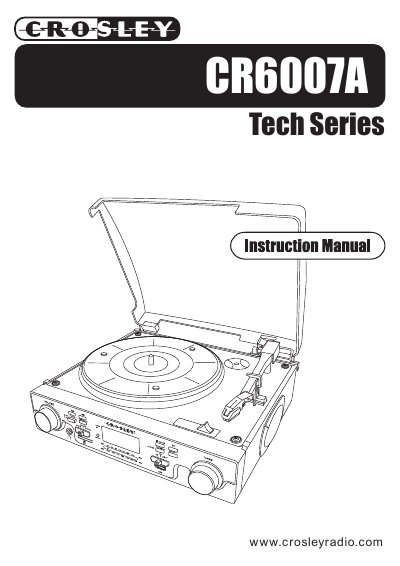
Crosley CR6007A Tech Series Turntable User Manual
This manual provides instructions for the Crosley CR6007A Tech Series Turntable, including unpacking, lid installation, and connecting power. It details the basic operation of the turntable, radio, and USB/SD card functions, as well as how to record from the phono input to a USB drive or SD card.
Read onlineCrosley CR60 specifications
| Registration Jack USOC | RJ11C/RJ11W |
|---|---|
| Modular Plug Compliance | TIA/EIA-IS-968 |
| Maximum REN | 5.0 |
Source: Crosley CR60 Crosley 302 Desk Phone Instruction Manual
All Crosley CR60 documents by type
Day-to-day operation, settings and troubleshooting. Start here if the product is already set up.
Questions answered in these manuals
How do I set the dial mode?
Slide the DIAL MODE switch at the back of the telephone to TONE for standard service or PULSE for rotary service.
From: Crosley CR60 Crosley 302 Desk Phone Instruction Manual
How do I adjust the receiver volume?
Use the RECEIVER VOLUME CONTROL switch located on the bottom of the telephone to adjust the volume from LOW to HI.
From: Crosley CR60 Crosley 302 Desk Phone Instruction Manual
What is the power consumption of the Crosley CR6007A?
The power consumption is 15W.
What type of USB port does the turntable have?
It has a USB 2.0 Full Speed port.
What is the warranty period for Crosley Radio products?
Crosley Radio Products are warranted against defects in material and workmanship for a period of 90 days beginning from the date of sale to the original purchaser.
How many tracks can be programmed for playback?
A maximum of 20 tracks can be programmed to play in any order.