
This manual introduces the operation method and precautions of Motion Switch Village Snowglobe.
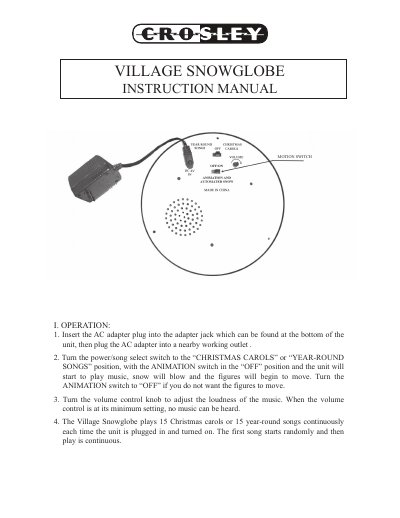
This manual provides instructions for the Crosley Village Snowglobe, an animated holiday decoration featuring music, falling snow, and moving figures. To operate the unit, insert the AC adapter into the jack at the bottom and plug it into a working outlet. Select either 'Christmas Carols' or 'Year-Round Songs' using the power/song select switch, and adjust the volume and animation settings as needed. The device plays 15 songs continuously each time it is turned on, with the first song starting randomly.
| Song Selection | Christmas carols or year-round songs |
|---|---|
| Playback Duration | 15 songs continuously |
| Warranty Period | 90 days |
Insert the AC adapter plug into the adapter jack at the bottom of the unit, then plug the adapter into a working outlet.
Ensure the ANIMATION switch is in the 'ON' position.
No, the appliance should not be used near water, such as a bathtub, kitchen sink, or swimming pool.