
This is an instruction manual for a musical photo ornament, providing information on how to use it, troubleshoot problems, and important precautions.
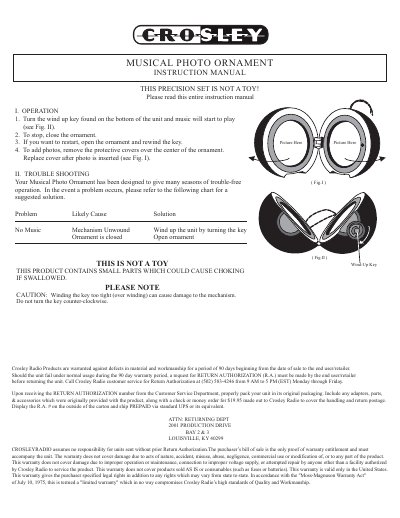
This manual provides instructions for operating the Crosley Musical Photo Ornament. To play music, turn the wind-up key located on the bottom of the unit. To stop the music, close the ornament. To restart, open the ornament and rewind the key. Photos can be added by removing the protective covers over the center of the ornament, inserting the picture, and replacing the cover.
Turn the wind-up key found on the bottom of the unit.
Close the ornament.
Remove the protective covers over the center of the ornament, insert the photo, and replace the cover.