
This document describes a product that complies with FCC requirements. The equipment has a registration number and ringer equivalence number (REN) and can be connected to the telephone network or premises wiring. The REN is used to determine the quantity of devices that can be connected to the telephone line. If the equipment causes harm to the telephone network, the telephone company will notify the user in advance and provide information about filing a complaint with the FCC.
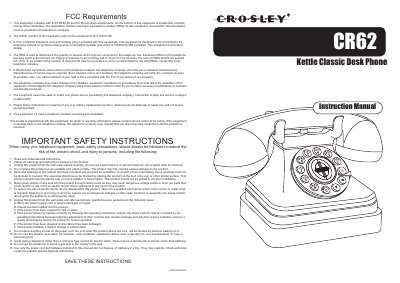
This manual provides instructions for the Crosley CR62 Classic Desk Phone, including setup procedures such as configuring the dial mode (Tone or Pulse) and adjusting the ringer and receiver volume. It details installation steps for connecting the line cord and handset, as well as troubleshooting guides for issues like no dial tone or slow dialing.
Slide the DIAL MODE switch on the bottom of the telephone to TONE for standard service or PULSE for Rotary service.
Use the RINGER CONTROL switch on the bottom of the telephone to turn the ringer OFF, though you can still make or receive calls.
Check that the RINGER CONTROL switch is not set to OFF, and ensure no other telephones are connected to the same line causing low volume.
Use the RECEIVER VOLUME CONTROL switch on the bottom of the telephone to adjust the volume from LOW to HI.