
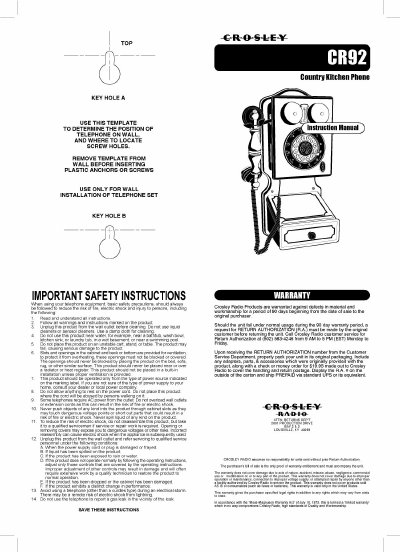
This manual provides instructions for the Crosley CR92 telephone, including safety precautions, wall installation using templates or anchors, and connecting the line cord. It details how to configure the dial mode switch for tone or pulse service and adjust ringer and receiver volume controls located on the rear of the unit.
Locate the DIAL MODE switch on the rear of the telephone body and slide it to 'Tone' for standard service or 'PULSE' for rotary service.
Check that the RINGER CONTROL switch is not set to OFF, and ensure no other telephones are overloaded on the same line.
Press the hold button once to activate the HOLD LINE (MUTE) feature, which mutes your voice while allowing you to hear the caller.