
This manual is an operation guide for CF-18 series tablet PCs, introducing the basic operations of tablet PCs such as power on/off, touch pad, pen, tablet mode, etc., as well as troubleshooting, backup and recovery.
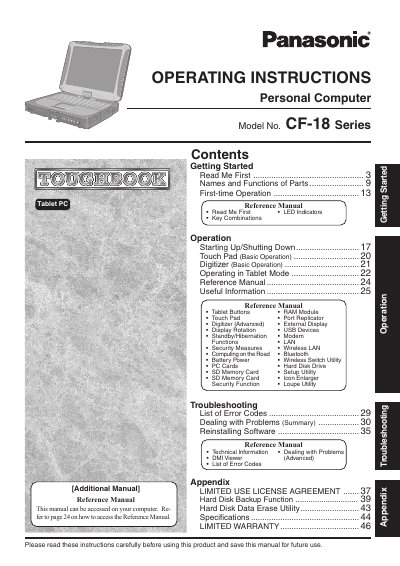
This manual provides operating instructions for the Panasonic CF-18 Series Personal Computer (Tablet PC). It covers initial setup, basic operations including touch pad and digitizer usage, and switching between standard and tablet modes. The document also includes a reference section detailing advanced features such as port replicator usage, wireless connectivity, security measures, and battery management.
The document identifies this product as a Tablet PC.
A minimum of 20 cm spacing is required for external antennas, while internal ones require at least 1.5 cm.
The sum of RENs should not exceed five (5.0).