
Panasonic CF-08 Wireless Display Operating Instructions

This document is the user manual for the Panasonic CF-08 wireless display, providing instructions on basic operation, useful information, troubleshooting, and specifications.
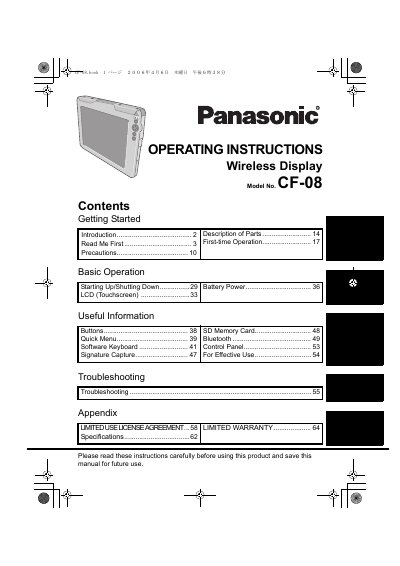

Panasonic CF-08 Wireless Display Operating Instructions - cover page
Brand
Panasonic
Category
Laptops
Document type
User Manual
Language
English
Pages
68
File format
PDF
File size
5.4 MB
Published
08 August, 2012
Updated
29 September, 2023
MD5 checksum
66AD31EB35B58B6B143D6F062E9D92EB

About this manual

This manual provides operating instructions for the Panasonic CF-08 Wireless Display. It includes information on getting started, precautions, and descriptions of the device parts. The document covers first-time operation, basic usage including starting up and shutting down, and the use of the LCD touchscreen and battery power.

What's inside

  • Getting Started
  • Read Me First
  • Description of Parts
  • First-time Operation
  • Basic Operation
  • Starting Up/Shutting Down
  • LCD (Touchscreen)
  • Battery Power
  • Troubleshooting
  • Specifications

Frequently asked questions

What steps should I take if my wireless display causes harmful interference to radio or television reception?

You are encouraged to try correcting the interference by reorienting the receiving antenna, increasing separation between the equipment and receiver, connecting them to different circuits, or consulting a technician.

What minimum spacing must be maintained between the antenna and a person's body during wireless operation?

A minimum spacing of 1.5 cm must be provided between the antenna and all parts of a person's body, excluding hands, wrists, and feet.

Where must an entertainment-purpose wireless display be installed in a motor vehicle to remain lawful?

It must be installed behind the driver's seat where it is not visible, directly or indirectly, to the operator of the motor vehicle.

Download PDF (5.4 MB)

More Panasonic Manuals


View all Panasonic manuals →