
This manual introduces the operation methods of Panasonic CF-18 series tablet PC, including starting up, shutting down, using the touchpad and the pen, etc.
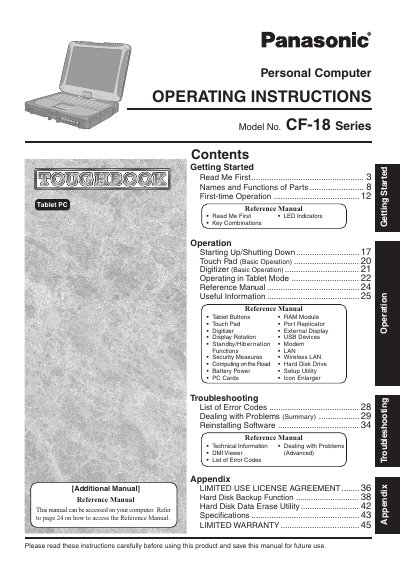
This manual provides operating instructions for the Panasonic Personal Computer Model No. CF-18 Series. It includes guidance on getting started, names and functions of parts, first-time operation procedures, and basic usage of features such as the touch pad, digitizer, and tablet mode.
The document also serves as a reference guide for advanced topics including security measures, wireless LAN setup, battery power management, and troubleshooting error codes. It contains information on hardware components like RAM modules, port replicators, and external displays.
The Model No. is CF-18 Series.
The Reference Manual is available on your computer and can be accessed by referring to page 24 of this manual.