
Panasonic CF01XSDAPM Manual


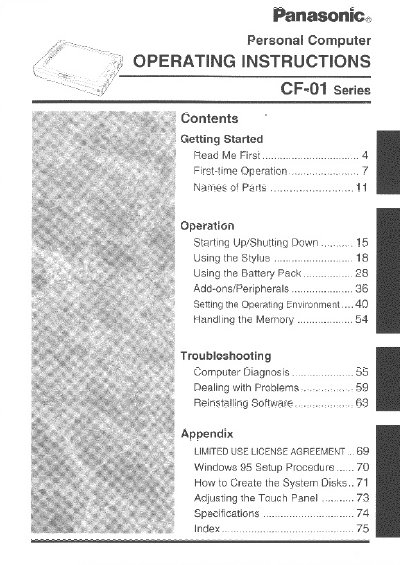
Panasonic CF01XSDAPM Manual - cover page
Brand
Panasonic
Category
Laptops
Document type
User Manual
Language
English
Pages
80
File format
PDF
File size
1.6 MB
Published
08 August, 2012
Updated
20 August, 2012
MD5 checksum
B697737DD01A6D64CF25A80F31663F86

About this manual

This document provides operating instructions for the Panasonic CF-01 Series Personal Computer. It includes information on getting started, such as confirming included parts and connecting the AC adapter. The manual details how to start up and shut down the computer, use the stylus, and manage the battery pack.

What's inside

  • Getting Started
  • First-time Operation
  • Names of Parts
  • Starting Up/Shutting Down
  • Using the Stylus
  • Using the Battery Pack
  • Add-ons/Peripherals
  • Setting the Operating Environment
  • Handling the Memory
  • Troubleshooting

Specifications

Operating Temperature5 °C to 35°C
Storage Temperature-20 °C to 60 °C
Operating SystemMicrosoft Windows 95

Frequently asked questions

What precautions should be taken regarding temperature?

Do not store or use the computer in locations exposed to heat, direct sunlight, or extreme cold.

How should the computer be carried?

Do not carry it by gripping the display; put your hand underneath the handstrap to prevent it from falling.

What is required to use floppy disks?

The expansion stand (CF-VEBO11) is required to use floppy disks.

Download PDF (1.6 MB)

More Panasonic Manuals


View all Panasonic manuals →