
This manual describes how to use CF-18 Series laptops, including how to start up and shut down, use the touchpad and touchscreen, use the reference manual, and deal with problems.
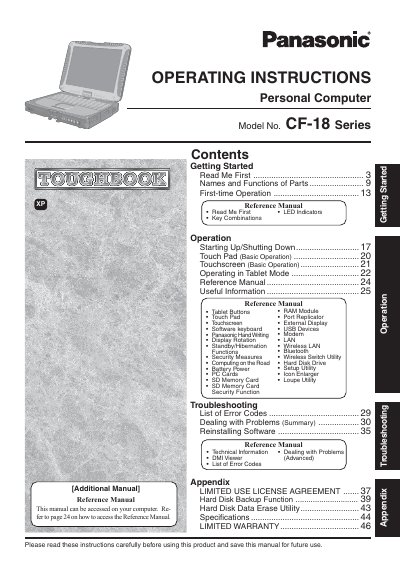
This manual provides operating instructions for the Panasonic CF-18 Series personal computer. It includes guidance on first-time setup, key combinations, LED indicators, and basic operations such as starting up/shutting down and using the touchpad or touchscreen.
The document also covers useful information regarding hardware components like RAM modules, port replicators, and external displays, along with software utilities for handwriting recognition and security. A troubleshooting section lists error codes and provides steps for dealing with problems.
It provides a useful fact or helpful information.
It indicates a condition that may result in minor or moderate injury.