
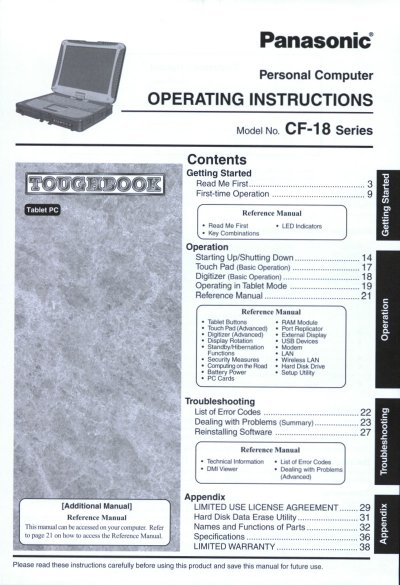
This manual provides operating instructions for the Panasonic CF-18 Series Personal Computer. It covers getting started with the device, including first-time operation, key combinations, and basic usage of the touch pad and digitizer. The document also details how to operate the computer in tablet mode and manage various hardware components like RAM modules and hard disk drives.
The guide includes sections on security measures, wireless LAN usage, and setup utility configuration. It further addresses troubleshooting, listing error codes and providing steps for dealing with problems and reinstalling software. Additional reference material is available within the computer itself.
A minimum of 2.5 cm must be provided between the antenna and all parts of a person's body.
The sum of RENs should not exceed five (5.0) in most areas.
This computer uses Microsoft Windows XP Tablet PC Edition.