
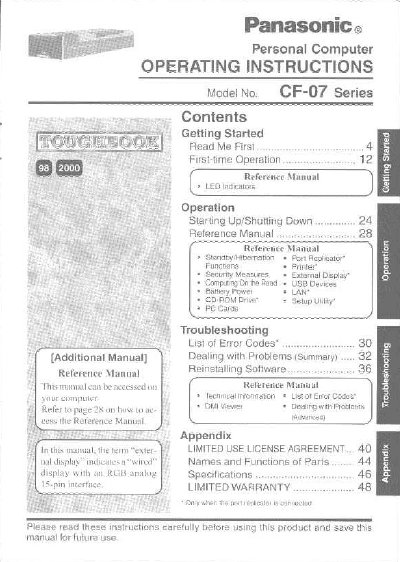
This manual provides operating instructions for the Panasonic Personal Computer Model No. CF-07 Series. It includes information on getting started with first-time operation, using the computer in various environments such as on the road or under battery power, and managing peripherals like USB devices and LAN connections.
The document also covers important safety precautions regarding the internal lithium battery, environmental conditions for operation and storage, and handling of cables. Additionally, it contains a reference section with LED indicators, troubleshooting guides, and technical specifications.
| Operating Temperature | 5 °C to 35°C (41 °F to 95°F) |
|---|---|
| Recommended Cable Length | 3 m (9.84 feet) or less |
The 12-digit Model No. is located on the bottom of the computer, while the Serial No. or Code No. should be recorded in the Customer's Record section.
No, the battery should only be exchanged by authorized service personnel to avoid a risk of explosion.
The Reference Manual is available on your computer and can be accessed via the CD-ROM Drive Setup Utility.